
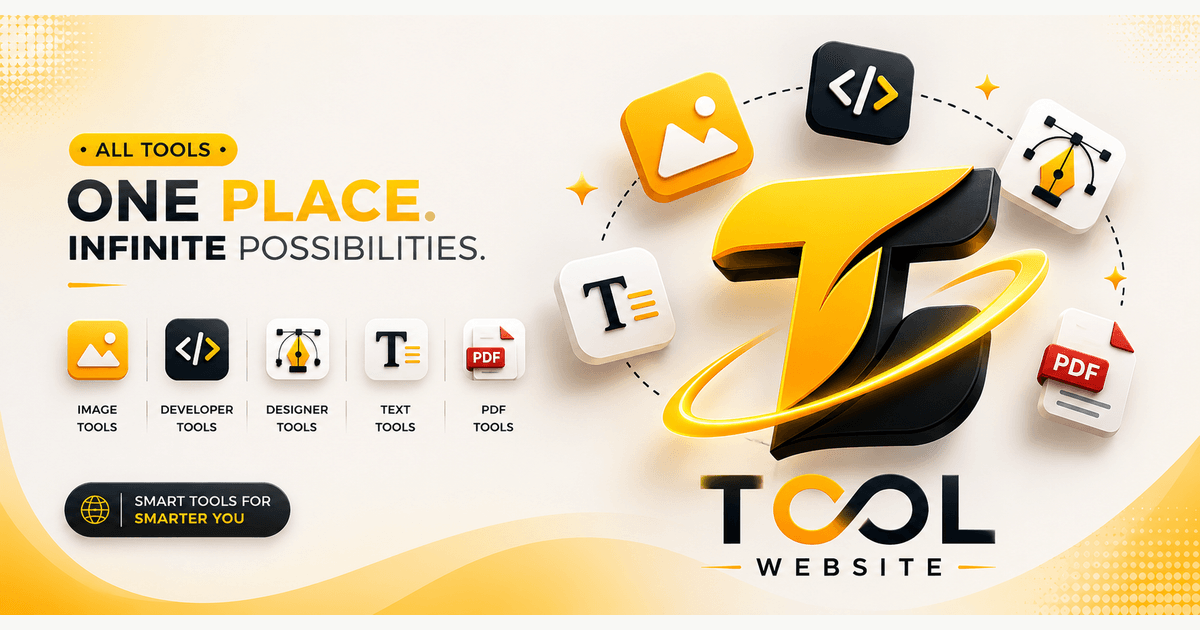
ToolWeb offers a comprehensive suite of free browser-based tools designed for developers, designers, and creators. It provides practical utilities for image manipulation, code formatting, color selection, and text processing, all running 100% in your browser to ensure your files remain private and on your device.
Target Audience & Use Cases
ToolWeb is ideal for anyone needing quick, secure, and accessible digital tools without the hassle of software installations or account registrations.Key Features
- Image Format Converter: Convert JPG, PNG, WebP, GIF, and BMP files, supporting single or batch processing.
- JSON Formatter: Format, validate, and minify JSON data for improved readability and debugging.
- Color Picker: Select and build color values in HEX, RGB, HSL, and CMYK from images or scratch.
- Word Counter: Get live counts for words, characters, sentences, paragraphs, reading time, and keyword statistics.
- Excel to JSON Converter: Transform Excel or CSV files into readable JSON arrays for various applications.
- UUID Generator: Generate UUID v1 or v4 identifiers for databases, testing, and application records.
Specific Use Cases
For developers, ToolWeb streamlines tasks like data manipulation with its JSON and Excel converters, code preparation with CSS Minifier and Markdown to HTML, and debugging with the Regex Tester. It also offers essential utilities like UUID generation and Base64 encoding/decoding, enhancing productivity for API integrations and data management. Designers benefit from a robust set of image tools, including resizing, compression, cropping, and color extraction, ensuring assets are perfectly optimized for web and print. The Gradient Generator and Contrast Checker further assist in creating visually appealing and accessible designs. General users and content creators can leverage tools like the Word Counter for writing analysis, Case Converter for text formatting, and Lorem Ipsum Generator for placeholder text, making content creation and document preparation more efficient.Pricing Information
ToolWeb is completely free to use. The platform is sustained through privacy-friendly analytics and advertisements, ensuring all its powerful tools remain accessible to everyone without any cost or subscription.User Experience and Support
The platform prioritizes user privacy and ease of use, with all tools running locally in your browser, meaning your files never leave your device. The interface is clean, intuitive, and well-organized into distinct categories, making it easy to find and use the desired tool. While direct support channels like live chat aren't explicitly detailed, a "Contact" option is available for inquiries.Technical Details
ToolWeb's core strength lies in its client-side processing architecture. By running "100% in your browser," it leverages web technologies like JavaScript, HTML, and CSS to perform operations directly on the user's device, ensuring maximum data privacy and speed without server-side uploads.Pros and Cons
- Pros:
- Ensures high privacy as files are processed locally in the browser.
- Completely free to use with no hidden costs or subscriptions.
- Offers a diverse range of tools for multiple professional domains.
- No software installation or account registration required.
- Intuitive and user-friendly interface.
- Supports batch processing for several image tools.
- Cons:
- Relies on ads for revenue, which might be present on the interface.
- Specific advanced features or integrations are not explicitly mentioned.
- Limited information on direct customer support channels beyond a contact form.
Conclusion
ToolWeb stands out as an invaluable resource for developers, designers, and creators seeking fast, private, and practical online utilities. Its commitment to client-side processing provides peace of mind regarding data security, making it a highly trustworthy and efficient choice for everyday digital tasks. Explore ToolWeb today to enhance your productivity with its comprehensive suite of free browser tools.Comments
Achievement


Publisher

Launch Date2026-09-02
Platformweb
Pricingfree
Tech Stack
#web
Sponsors

DevHub
Find Best Dev Tools Voted by Developers. Submit, Earn a Badge & 40+ DR Backlink.

ShipThing
Share your product with the world, one small step at a time.
Become a Sponsor
Get your brand featured here
Outbid
View🥇 🥈
🥈 🥉
🥉
Want this spot? Pay what you wantBest Launch Directories: launch directories with DR, traffic and pricing
Launch directories, product launch platforms and startup listing sites in one table, with Domain Rating by Ahrefs, traffic where known, pricing and link type for each.
$50
Boost Your Domain Rating — DoFollow Backlinks (DR 30–70) from $30
Raise your Ahrefs Domain Rating with 5 - 50 dofollow backlinks from DR 30–60 sites — from $50, guaranteed to improve your DR or your money back.
$45
DirEasy - The Best Directory Boilerplate with AI | DirEasy
The best directory boilerplate, packed with AI, Listings, Payment, Submission, CMS, Blog, Authentication, Newsletter, SEO and more.
$41