
This project is scheduled for launch
Launch date: Sunday, November 22, 2026 at 08:00 AM UTC
Scheduled
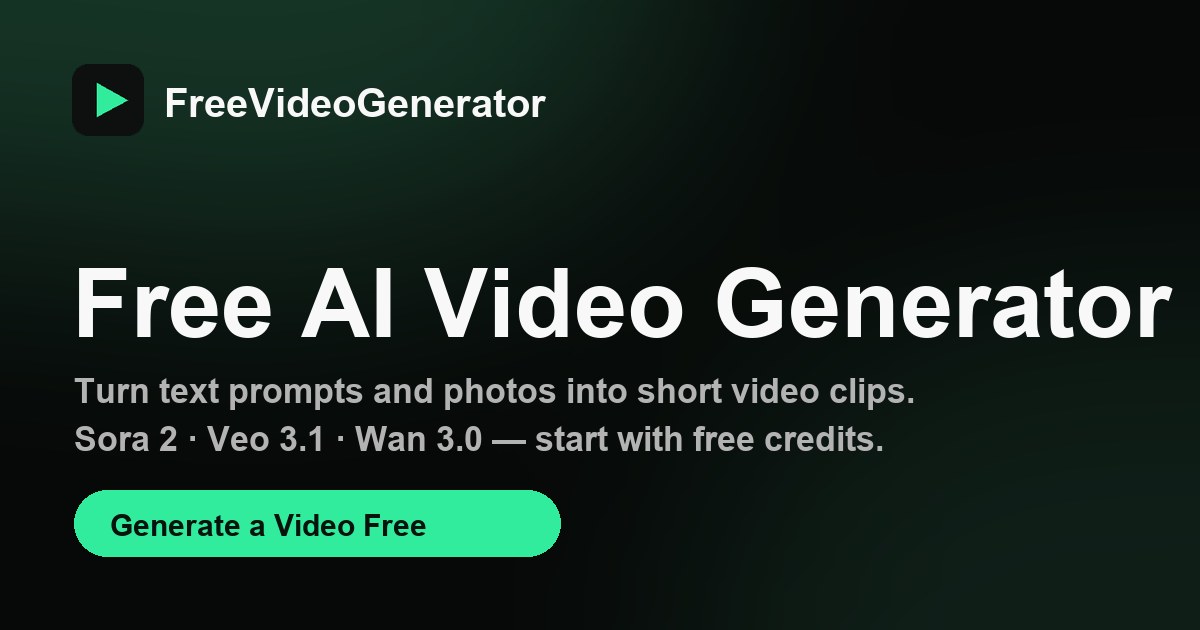
FreeVideoGenerator is a powerful AI video generator that transforms text prompts and photos into short video clips. It offers an accessible platform for users to create dynamic visual content quickly and efficiently. Ideal for content creators, marketers, and individuals looking to produce social shorts, product promos, anime scenes, photo animations, and cinematic b-roll without extensive video editing skills.
Key Features
- Text to Video generation from descriptive prompts.
- Image to Video animation with first-frame control for photos.
- Animation Maker for 2D, anime, and 3D-style animated clips.
- Access to multiple advanced AI models including Sora 2, Veo 3, Wan 3.0, Seedance, Hailuo, and MiniMax.
- No visible watermark on downloaded MP4 clips.
- Free starter credits for new accounts to generate a first video.
Use Cases
Users can leverage Text to Video for describing a scene in words, Image to Video for animating one or more photos with natural camera motion, or Animation Maker for stylized 2D, anime, or 3D clips. Specific "recipes" like the "Burning Bridges AI Video Generator" and "Aura Farming AI Video Generator" allow users to quickly create viral trend videos from a single photo. This tool streamlines video creation for social media content, marketing campaigns, and personal projects, eliminating the need for complex timeline editing. Whether you need a quick social media short, a product promotion, or an animated scene, FreeVideoGenerator provides the tools to bring your ideas to life. It's perfect for those who want to experiment with AI video without a steep learning curve or significant investment in software.Pricing Information
FreeVideoGenerator operates on a freemium model. New accounts receive 30 welcome credits, allowing for one 5-second 480p clip using the Seedance 1.0 Pro Fast model. Premium models and additional generations require purchased credits. Sign-in is required to generate videos, but account creation is free and does not ask for a credit card.User Experience and Support
The platform offers a unified interface to compare and use various AI video models, simplifying the selection process. Users can browse every tool, gallery, and sample clip without an account. The process for generating a video is straightforward: choose a creation tool (Text to Video or Image to Video), add a prompt or photo, select the desired model and settings, check the credit quote, then generate and download the finished MP4. The platform's intuitive design and clear instructions guide users through the creation process.Technical Details
The platform integrates cutting-edge AI models from leading developers such as OpenAI (Sora 2), Google (Veo 3), Alibaba (Wan 3.0), ByteDance (Seedance), and MiniMax (Hailuo 02, H3 Max Turbo). These models offer diverse capabilities in terms of motion, prompt adherence, resolution (up to 1080p), and clip duration (4 to 12 seconds), supporting both text and image inputs. The system is designed to provide a seamless experience across these varied AI backends.Pros and Cons
Pros:
- Access to multiple advanced AI models from different providers.
- Free starter credits for new users.
- No visible watermark on downloaded videos.
- Supports both text and image inputs for video generation.
- User-friendly interface for comparing models and generating clips.
- Ability to create trending videos with specific "recipes."
Cons:
- Premium models and additional generations require purchased credits.
- Free allowance is limited to one short clip with a specific model.
- Sign-in is required for generation.
- Output quality can vary with the prompt and model choice.
Conclusion
FreeVideoGenerator provides an innovative and accessible solution for AI-powered video creation, democratizing access to advanced generative models. Its freemium model and diverse feature set make it an excellent choice for anyone looking to quickly produce high-quality video content. Explore FreeVideoGenerator today to turn your ideas into captivating video clips.Comments
Comments will be available once the project is launched.
Publisher

Launch Date2026-11-22
Platformweb
Pricingfreemium
Tech Stack
#web
Sponsors

DevHub
Find Best Dev Tools Voted by Developers. Submit, Earn a Badge & 40+ DR Backlink.

ShipThing
Share your product with the world, one small step at a time.
Become a Sponsor
Get your brand featured here
Outbid
View🥇 🥈
🥈 🥉
🥉
Want this spot? Pay what you wantSubmit Your Startup to 100+ Directories | Submitator
Automated startup directory submission service. Get listed on Product Hunt, BetaList, Indie Hackers & 100+ directories for SEO backlinks and DR boost. From $29.
$40
Boost Your Domain Rating — DoFollow Backlinks (DR 30–70) from $30
Raise your Ahrefs Domain Rating with 5 - 50 dofollow backlinks from DR 30–60 sites — from $50, guaranteed to improve your DR or your money back.
$35
DirEasy - The Best Directory Boilerplate with AI | DirEasy
The best directory boilerplate, packed with AI, Listings, Payment, Submission, CMS, Blog, Authentication, Newsletter, SEO and more.
$30