
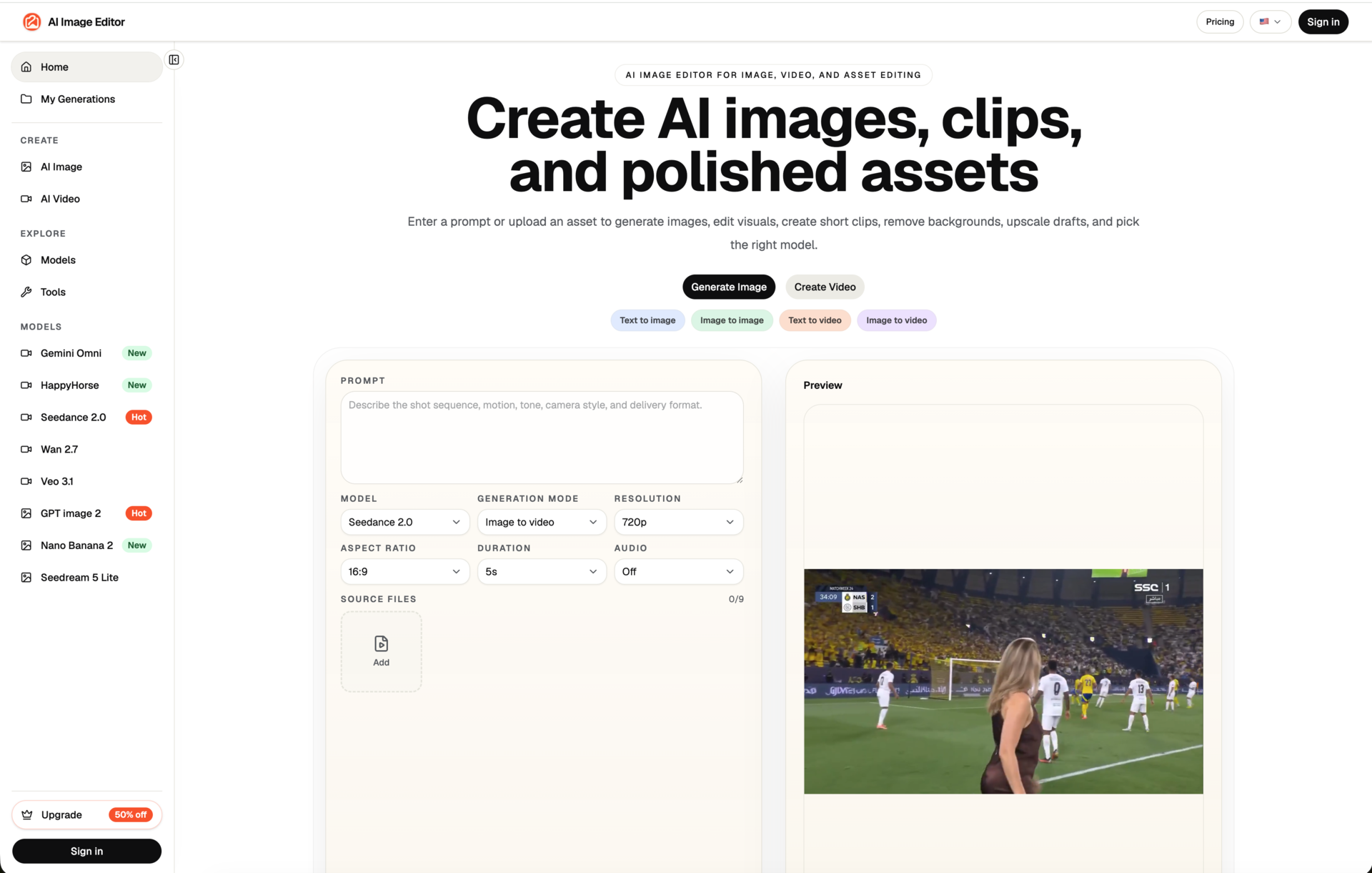
Overview
AI Image Editor is a browser-based visual creation and editing product for people who need to improve, transform, or create images without installing desktop software. It is designed for practical image workflows such as product visuals, marketing assets, social creative, simple retouching, and concept exploration. The product is available at ai-img-editor.com and focuses on turning a clear editing intention into a usable image result.
Key Features
AI Image Editor brings several image-oriented workflows together in one web product. The AI Image Editor page supports prompt-guided changes to existing images. Image-to-image workflows help users turn a reference image into a new visual direction while preserving useful visual context. The background-removal workflow is intended for creating cleaner product imagery and cutouts. Other browser-based tools support image enhancement, effects, reference-led editing, and related creative tasks. Users can choose the workflow that fits the source material instead of starting over in a traditional editor.
Use Cases
Creators can use the product to prepare visual concepts and social-media assets. E-commerce teams can use image editing, background removal, and visual enhancement when preparing product images for listings or campaigns. Marketers can create or adapt creative assets for ads and landing pages. Designers and small teams can test visual variations from references before committing time to a longer production process. The product can also be useful when a team needs a practical browser workflow for a one-off image task rather than a full desktop toolchain.
Getting Started
To get started, open the AI Image Editor page in a modern browser and select the image workflow that matches the task. Users can upload a source image when working from an existing asset, add a clear editing instruction or reference when appropriate, and review the generated output before using it in their workflow. The product pages describe the available tools so a user can select image editing, image-to-image, or background removal based on the desired outcome. It is best to use images that the user is allowed to edit and publish, and to review output for accuracy before using it in commercial material.
Pricing & Plans
AI Image Editor uses subscription plans and credits for access to image models, editing tools, visual effects, and commercial-use workflows. Plan details are published on the product pricing page and can change as tools and model availability evolve. Users should review the current plan, included credits, and feature availability before subscribing. The service is intended to be transparent about the workflow: users select a plan or credits that fit their expected image creation and editing volume, then use the browser-based product tools for supported tasks.
Comments
Achievement


Publisher

Launch Date2026-09-16
Platformweb
Pricingpaid
Tech Stack
#Artificial intelligence#Image editing#Browser-based SaaS
Sponsors

DevHub
Find Best Dev Tools Voted by Developers. Submit, Earn a Badge & 40+ DR Backlink.

ShipThing
Share your product with the world, one small step at a time.
Become a Sponsor
Get your brand featured here
Outbid
View🥇 🥈
🥈 🥉
🥉
Want this spot? Pay what you wantBoost Domain Rating - Boost Domain Rating is a platform to discover and upvote the best tech products. Find top products launching daily.
Boost Domain Rating is a platform to discover and upvote the best tech products. Find top products launching daily.
$35
DirEasy - The Best Directory Boilerplate with AI | DirEasy
The best directory boilerplate, packed with AI, Listings, Payment, Submission, CMS, Blog, Authentication, Newsletter, SEO and more.
$30
Quiz Shot - Solve Any Screenshot Question in Seconds.
AI Study Assistant that answers any screenshot question. Get free AI tutor and step-by-step math and homework help with ChatGPT.
$25